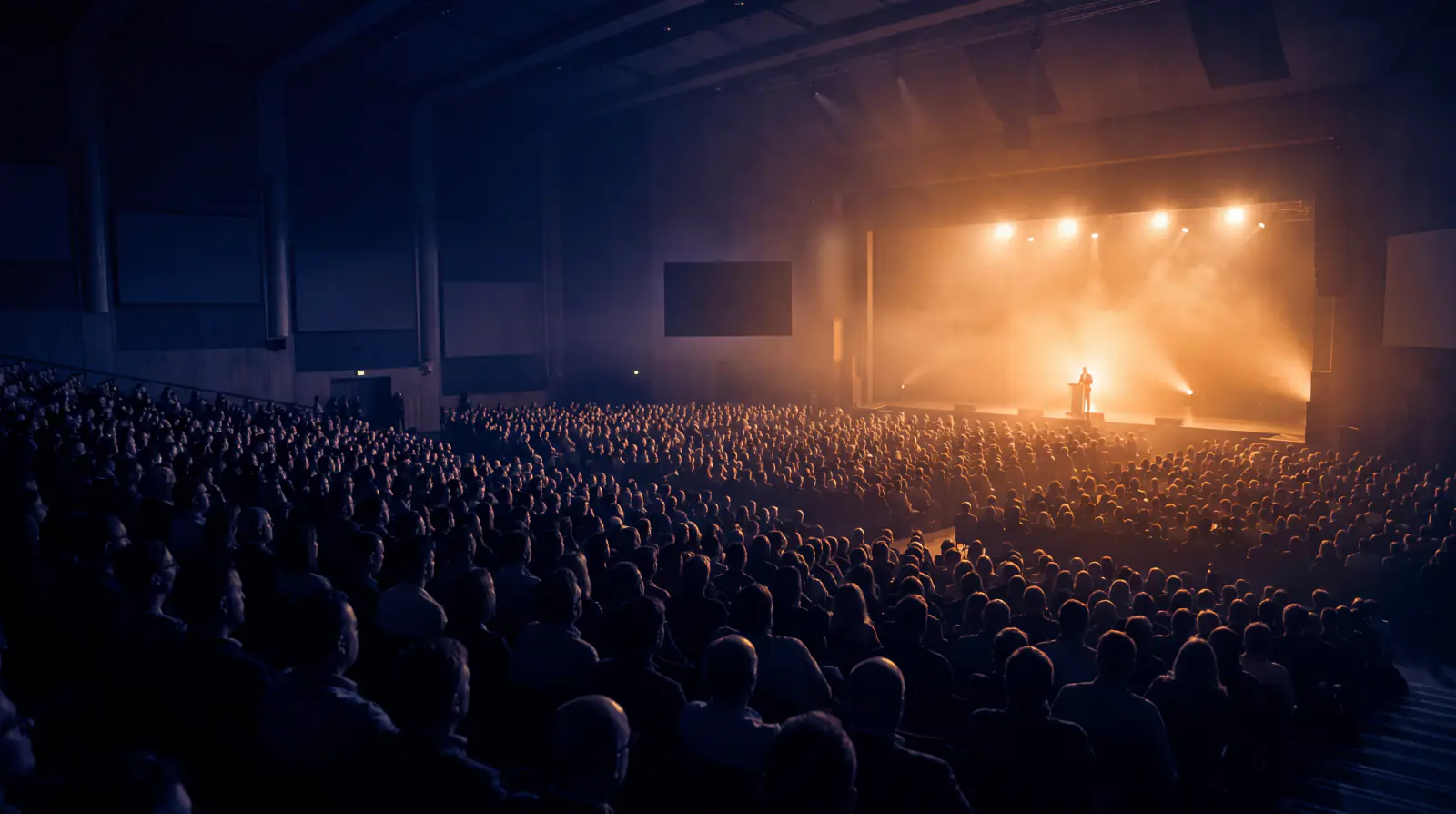
Conferences · webinars · panels
The keynote does not go down, and you are allowed to use it.
One code on the lanyard for the whole event, one standing across every session, and a room measured to hold 5,000 people. Commercial use is permitted on every plan, including the free one, which is not true of the market leader below its upper tier.
- 5,000 in one room
- One code, whole event
- Run of show
- Broadcast overlay
Above the single game
An event is the thing you are actually running.
Most tools in this category know about one game at a time. A conference is a container above that, and everything an organiser wants (one code, one leaderboard, one report) hangs off the container existing.

Run of show
The ordered agenda: each session with its presenter, room and scheduled start. A session is a hosted game, a self-paced assignment, or a break. The operator view is the same list, live.

One code on the lanyard
A single event code resolves to whichever session is live and hops as the day moves. An attendee who scans it before the first talk gets a holding screen that says what is next, not an error.

Cross-session tournament
One standing across every session in the event: a quiz after each of six talks, one winner on day three. It needs stable identity across sessions, which is why identity is part of the event rather than part of a game.

Who is in the room, by name
Optional per event: email, employee ID, ticket reference or a custom field, collected at the door. Upload the attendee spreadsheet and joins are matched against it, which turns a nickname count into an attendance record.
5,000in one room
Measured on one node against the real server over real sockets: 5,000 of 5,000 players joined with zero failures, every one received the question inside a 34ms window, and every answer was counted with the exact expected split. The same room was killed outright with a SIGKILL and came back with all 5,000 players in under two seconds.
Everyone with a job has a screen
Six roles, and the server has always known the difference.
The roles are enforced where it counts: a connection's permissions are decided at the transport, not claimed by the client. A PIN authorises playing and nothing else.

Presenter remote
A phone-shaped control screen: advance, skip, pause, extend, private speaker notes, and the answer key the projected screen must never show.
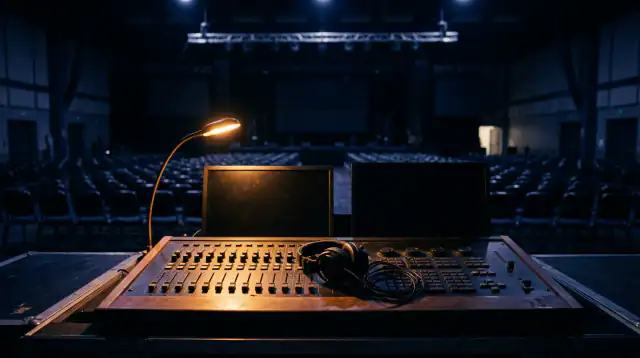
Co-host desk
Full control from the back of the hall while the speaker talks, plus the moderation queue and the handover between presenters on a four-speaker panel, without ending the room between them.
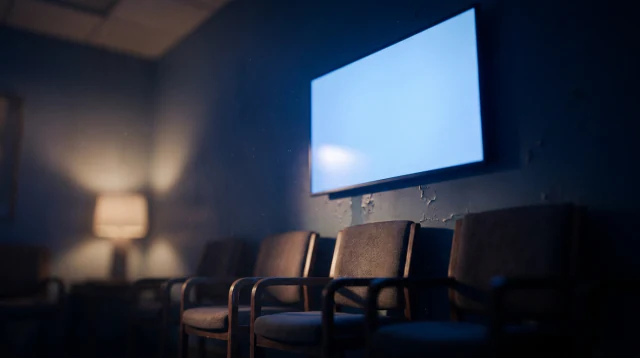
Cast screen
Read-only and chrome-free, for a second projector or an overflow room. It is the one role that needs no credential, and it is safe because it is structurally denied the answer key and cannot appear on the leaderboard.

Green room
The pre-flight check a presenter runs the morning before: connection quality, screen size, a test question. Nobody should first discover a projector problem in front of the room.
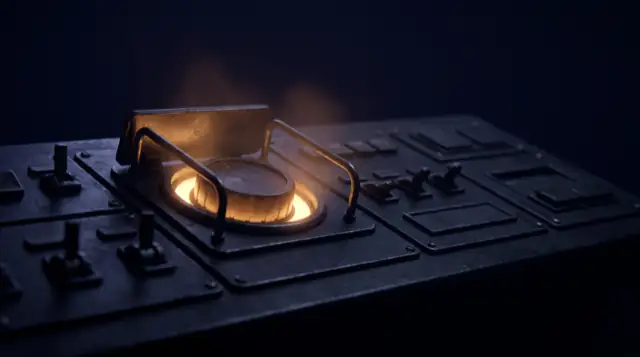
Emergency controls
Blank the screen, freeze submissions, clear the queue. One press, reachable, for when something inappropriate reaches a twelve-metre screen. Ending the session is too blunt an instrument for that.

Broadcast overlay
A transparent-background URL to drop into OBS or vMix, so a streamed session can composite live results over the speaker feed. No marketplace listing, no per-platform integration, works with anything that takes a browser source.
Nothing reaches the twelve-metre screen unseen.
A pending question is held on the control channel, which players are not on. It is not hidden in the client; it is not sent.
Two thousand phones
Audience Q&A that is a workflow, not a list.
Moderated, rate-limited per person, upvoted, and capped so a hall cannot flood the queue. It ships ungated: the market leader charges for it two tiers up.
- Asserted on both the live event path and the reconnect-and-replay path, against the bytes on the wire.
- Assign a question to a named panellist, mark it answered, park it, merge duplicates. At two thousand people the queue stops being a list somebody reads.
- Aggregate-only reactions on the big screen, plus polls, word clouds, scales, net promoter and brainstorms that score nothing at all.
- Seven of the seventeen question types are unscored audience instruments, so a webinar that never asks a right-answer question is fully expressible.
Stated plainly
What is not built.
On the same page as everything that is, because a gap somebody finds after the demo costs more than the gap itself.
- Sponsor slotsEvent branding exists at workspace level; a defined, saleable surface between questions does not.
- Published marketplace listings for the meeting appsThe Teams, Zoom and Google Meet embeds are built, and Teams runs today from an org catalogue upload. Zoom and Google Meet are not published yet: each store review runs under your organisation's own developer account. There is no Webex app.
- Ticketing syncAttendee lists are imported from a spreadsheet. There is no live Eventbrite or Hopin connection.
No procurement, no seat count
Buy a pass, run the event, leave.
Capacity is a one-time purchase with a participant ceiling and a 30-day window, priced per event rather than per presenter, so twelve occasional facilitators cost nothing extra. No payment is taken yet; a purchase is recorded and settled by invoice.